
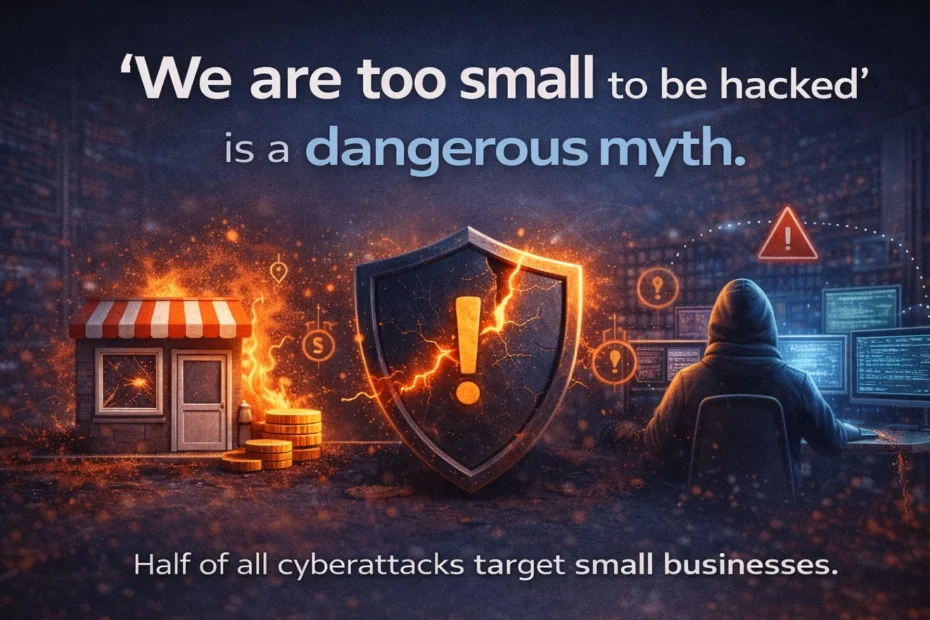
“We are a 10-person practice. Who would bother with us?” It is one of the most common things small firm owners say about security, and the belief that you are too small to be hacked is one of the most dangerous you can hold. Small firms are not overlooked. For the tools attackers use, they are often the easiest work available.
Attacks are automated, not personal
A cyberattack is simply an attempt to get into a system, network or data without permission. Most attempts fail, but they never stop. People picture a hacker choosing a target. In practice, software scans every address on the internet, tries common usernames and leaked passwords against anything that answers, and probes for software with known holes. It does not know or care whether the address belongs to a bank or a five-person CA office. It is looking for whatever opens.
What has changed over the last decade is scale. Scanning and password guessing run around the clock, ransomware groups operate like businesses, and a person often looks at a target only after the tools have found a way in. Your firm only needs to be reachable and weakly defended; it does not need to be interesting.
What the numbers say about small firms
Verizon’s 2026 Data Breach Investigations Report analysed 7,152 confirmed breaches at organisations with fewer than 1,000 employees. Of the ransomware cases where the victim’s size was known, about 96% were small and medium-sized businesses. Verizon’s explanation is plain: these attackers cast wide nets, and their victims are chosen less for their industry or revenue than because they had stolen credentials or unpatched devices.
In India, IBM’s 2026 Cost of a Data Breach study put the average breach at ₹25.5 crore. A small practice’s bill will be far smaller, but it lands on a far smaller business. We break the costs down for a CA firm in the real cost of a data breach for a small business.
Attackers log in rather than break in
The biggest change of the last decade is that most intruders do not need clever exploits. They sign in. Sophos’s Active Adversary Report (2024) found compromised credentials were the root cause in more than half of its 2023 incident response cases, and that external remote services such as Remote Desktop were the way in for 65%.
That is the typical CA office setup: one Windows server running Tally, Remote Desktop forwarded through the router so staff can work from home in tax season, and an account called “Administrator” with a password that has not changed in years. To an automated tool, that server looks exactly like a large company’s, only with fewer locks. How hackers brute-force Windows servers via RDP shows what those attempts look like.
Small firms are stepping stones to their clients
Even when the real prize is someone else, small suppliers are often the way in. The best-known case is Target, the US retailer: in 2013 attackers entered its network using credentials stolen from Fazio Mechanical Services, a refrigeration and HVAC contractor (Krebs on Security, February 2014). A US Senate Commerce Committee staff report (March 2014) traced how the breach went on to expose the data of up to 110 million consumers. Verizon’s 2026 report found third parties involved in 48% of all breaches.
A CA firm sits in the same position for its clients. Your server holds their PAN, Aadhaar and bank details, GST and income-tax records, and often their portal passwords. An email sent from your real mailbox asking a client to “update the bank details for the refund” will be trusted in a way no stranger’s email would be. Attackers who get into your office get a route into every client who trusts it.
“Nobody knows our server exists”
Security through obscurity does not work. Your office has a public IP address, and that address is scanned constantly whether or not you have a website. Behind a typical office router, what scanners can see is whatever the router forwards; if port 3389 is forwarded to the server for Remote Desktop, the whole internet can try to sign in. Hoping nobody notices is not a strategy.
What an attack looks like before it is obvious
Usually nothing looks wrong at first. Tally opens, files save, staff sign in normally. Underneath there may be hundreds of failed sign-ins a day, a successful sign-in at 3 am, an account nobody remembers creating, or a new service installed on a Sunday. Each one is easy to miss on its own. Together they are the pattern that comes before most serious incidents. How to tell if someone is trying to break into your Windows server lists the event IDs to look for.
What you can do about it
Accepting that you are a target is the first step. The rest is not complicated:
- Close Remote Desktop to the internet. Give staff a private route instead: Prixl Guard, a VPN or RD Gateway. Changing the RDP port only reduces log noise. See how to restrict RDP access safely.
- Use long, unique passwords. At least 15 characters, never reused from a portal or personal account. See minimum password length and why reusing passwords is dangerous.
- Patch every month, and plan now for any server still on Windows Server 2016, whose support ends on 12 January 2027.
- Keep one backup offline or immutable, and test a restore. Tally data first.
- Watch the server, so a successful break-in is noticed in hours, not months.
- Write a one-page plan for the day it happens, including the six-hour CERT-In report. Our incident response guide shows what goes in it.
You do not need an enterprise budget
Good security for a small firm takes attention more than money. Prixl Warden is made for a one-server office. It watches the Windows event logs on your server and emails you about brute-force campaigns, sign-ins outside working hours, new accounts and administrator changes, new services and the firewall being switched off. Its security audit runs 29 checks, and on paid plans 21 of them can be fixed with one click from the dashboard. Guard lets you close Remote Desktop to the internet: the Warden + Guard plan includes 5 staff seats, and extra seats start at ₹600 per person per year.
Start your 30-day free trial. No card is needed.